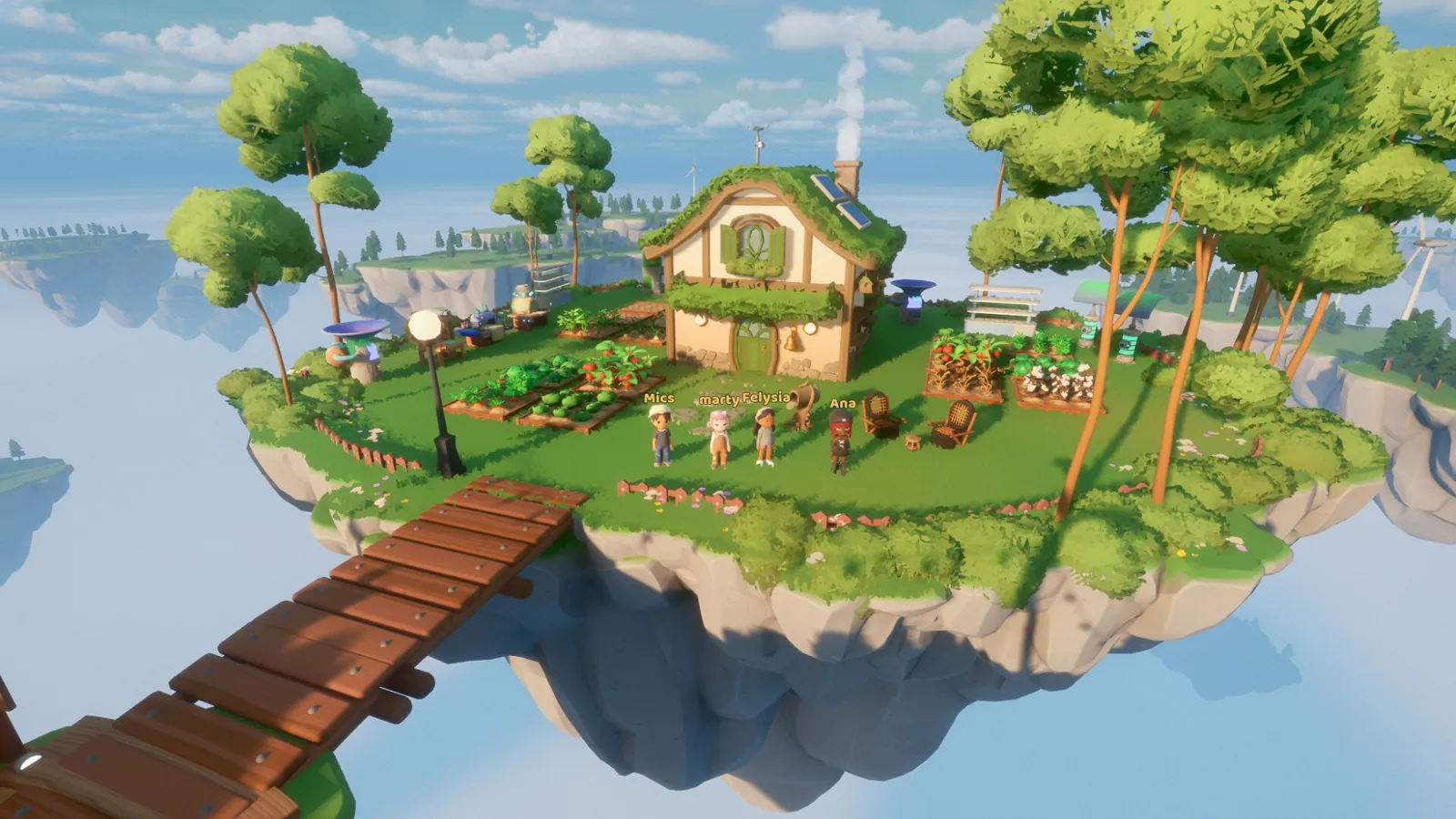
Use your home island’s Guest Permissions to review who can interact with your farm and energy equipment. Published demo guides describe private and friends-only choices; check the actual activity permissions instead of assuming that welcoming a visitor grants only sightseeing access.
Open the permissions panel on your island
The documented demo keyboard route starts with B, then Tab, followed by V for Guest Permissions. A player discussion also describes the permission shortcut appearing in the home’s build interface. These are historical UI directions, not a promise that every Early Access control or controller binding is identical.
If that sequence does not match your screen, look for the visible Guest Permissions label and inspect your current controls. Try while on your own island rather than standing in the city. Taking note of the actual panel name is more useful than repeatedly pressing a shortcut from an older video.
Check harvesting separately from helping
The demo farming guide recommends restricting crop harvesting while allowing watering if you want visitors to help. Read the options individually: a social visit, watering and taking produce are not the same intention.
Choose according to how you use the island:
| Your plan | Permission to inspect |
|---|---|
| Keep crops for your next quest | Who can harvest the farm. |
| Let friends help with gardening | Which farming activities friends can use. |
| Show a new visitor your decorations | Whether interaction rights extend beyond visiting. |
| Leave while a crop batch grows | Whether the saved settings match your intended access. |
The rows are a review checklist, not a guarantee that the current menu offers a separate switch for every activity. Use the labels available in your build and select the narrower option when the distinction matters to you.
Review energy use and unwanted visitors
Demo-era coverage reports that visitor permissions can include energy-station use. If you are saving charge for a crafting session, inspect that setting before opening the island. Access choices and battery capacity are different systems; use the battery guide if the real issue is that your own full battery cannot cover a recipe.
The same demo coverage describes a Kick Out Visitors option. If someone is already present, look for the current removal control as well as changing future interaction rights. We have not verified whether changing a permission instantly removes an existing visitor, so do not treat the two actions as interchangeable.
Verify the setting with a trusted friend
After changing the panel, a useful check is to invite someone you trust and compare what they can actually do with what you intended. Agree on a harmless test before anyone harvests a crop you need. Record the result and recheck settings after an update if the interface changes.
This check matters most when you want a mixed arrangement, such as allowing social visits while reserving quest produce. You do not need to turn every shared activity off to make one particular boundary clear.
Sources and version notes
These controls are documented primarily for the October demo. This guide distinguishes those reports from a firsthand Early Access UI test.