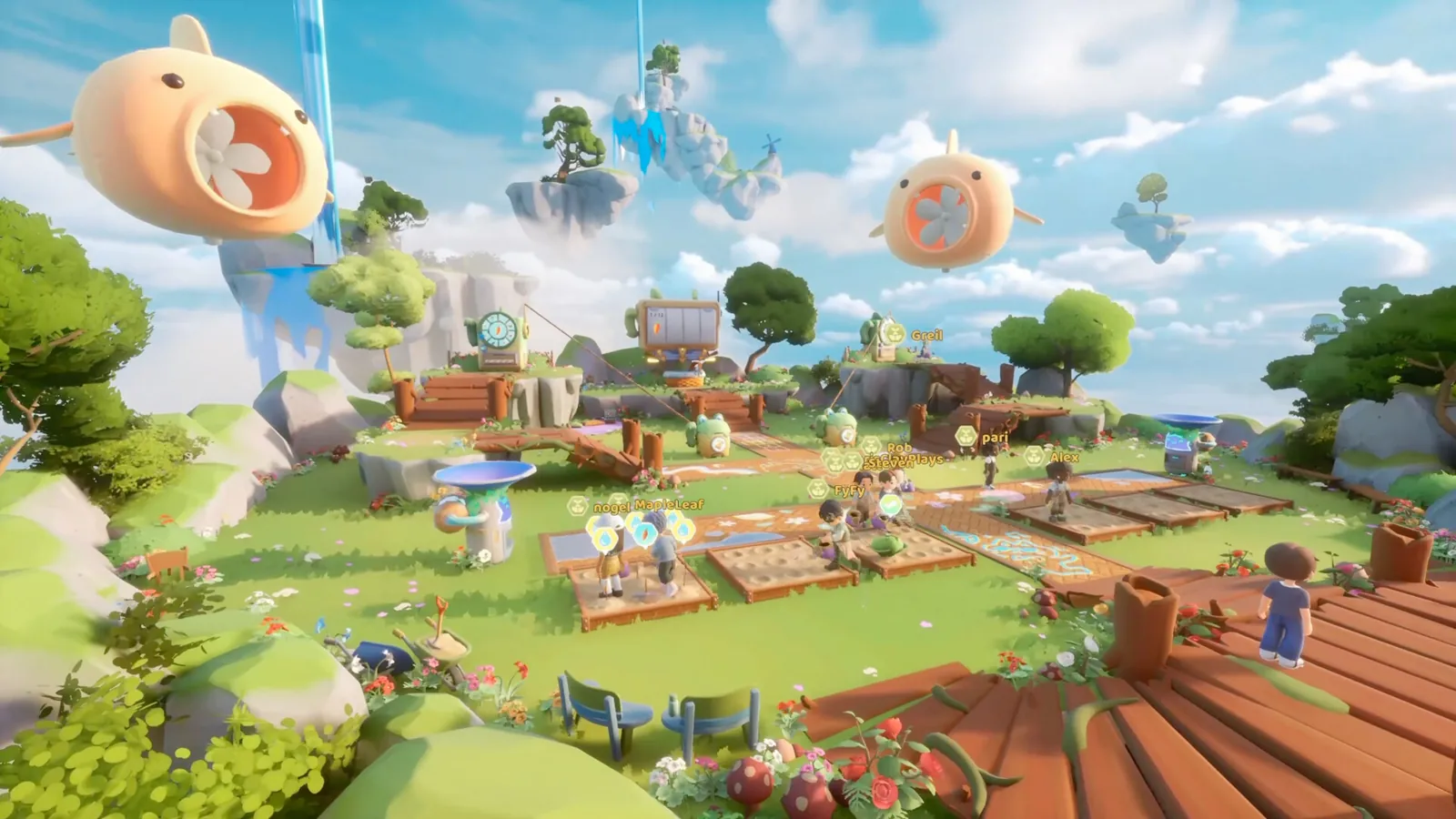
To play together in Loftia, you and your friends need to be on the same server. The official FAQ says characters are not permanently locked to one server, and the game requires an internet connection even when you choose to play alone.
Start by agreeing on a server
Ask your friends which server they are currently using before trying to meet in the world. Being online at the same time is not enough if your characters are in different server instances. Compare the server information the game shows rather than relying only on character names or a similar-looking location.
The official FAQ confirms that you are not locked to one server. It does not provide a complete current sequence of buttons for changing servers or joining a party. This guide therefore does not invent a menu path. Use the available controls in your version and keep an eye on the developer's announcements if they differ from an older video.
Also make sure everyone has reached the part of the opening story relevant to the activity you want to do. A newly created character and a friend who has already unlocked Adventures can have different immediate options without either account being broken.
You can progress on your own
The developer states that playing solo will not block your progression and that almost all content can be enjoyed that way. This is useful if friends are at different points in the story or you simply want time to decorate and farm by yourself.
Solo progression does not mean offline mode. Loftia is a persistent online game, so you still need to connect. If your connection fails, switching to a personal island does not create an offline copy of the world.
The distinction also helps when planning a first session: you do not have to wait for everyone to complete the same opening task before making ordinary progress. Follow your own objectives and arrange a meeting when the activity you want is available to your group.
Separate confirmed platforms from future plans
The official launch information lists PC and Mac through Steam and the Epic Games Store. Nintendo Switch is planned for 2027. A planned platform release is not the same thing as current cross-platform support.
The FAQ describes broader cross-play as a goal being researched and tested rather than a promise. Do not buy a version on an unconfirmed platform assuming it can already connect to your friends. Check the official FAQ and store page for the exact situation at the time you purchase.
Likewise, a guide mentioning controller support does not establish that the game has launched on a console. Input support and platform availability answer different questions.
When to use developer support
If you cannot connect, first distinguish an account or server issue from a story unlock. Record the message shown, the game version, and which server you were trying to use. Those details are more useful than repeatedly changing unrelated settings.
For account access, purchases, or a current service problem, use the game's official channels. This fan site cannot inspect your account or move characters between servers, and it will never ask for your Loftia password.
Sources and version notes
These answers come from the developer's published FAQ and storefront. They explain confirmed behavior without claiming an independently tested party-joining procedure.