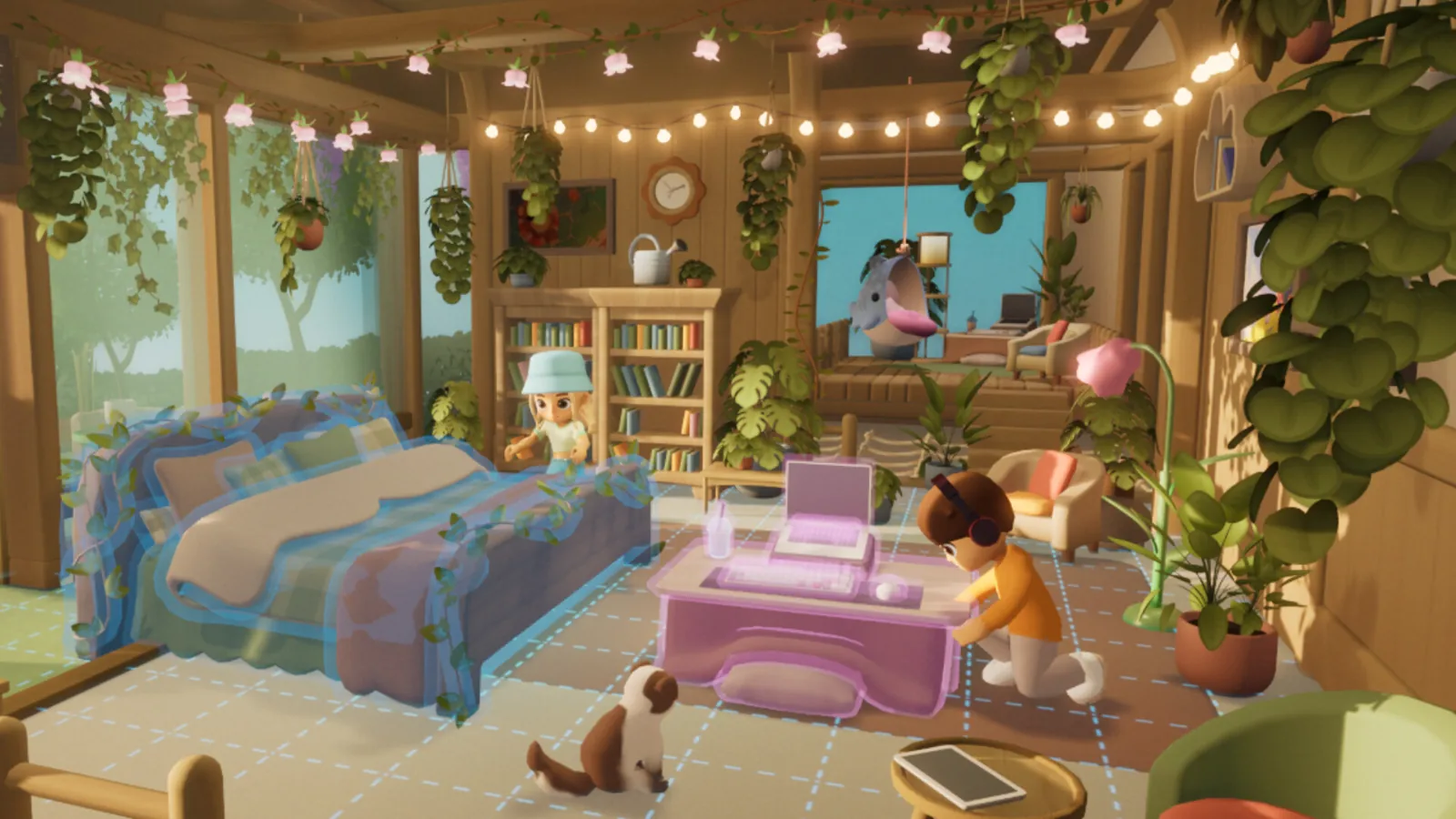
Qloud’s official demo announcement said completed gameplay and collected items would carry into Loftia Early Access, together with the character name. Check the account and character you used during the demo before assuming missing progress needs a fresh start.
What the official announcement promised
The original Steam announcement describes retaining what you completed and collected in the demo. It also distinguishes a saved character name from event reward claims. Early Access has now opened, so the useful action is comparing your actual character with the one you played in October rather than reading an old countdown as a current instruction.
Start with a small comparison: character name, the quest you last worked on, and a recognizable item you collected. Agreement across those checks is more informative than remembering only your appearance. Do not overwrite or delete anything while you are still identifying which profile you are viewing.
Check the website-account connection
The developer announcement explicitly tied saving the Demo Banner reward to linking your email and claiming it on the Loftia website. A published linking guide places the email connection on the character-selection screen. Use the email belonging to the website account you intend to keep, then check that account’s reward information.
Keep these checks separate:
| Check | What you are confirming |
|---|---|
| Store login | The store account you are currently using. |
| Character selection | The character you actually played. |
| Website email link | The intended Loftia website account is connected. |
| Reward claim | An eligible event reward was also claimed. |
This is an account-identification checklist. It does not promise that linking a different account after the event will recover a missing save or create eligibility for an expired reward.
Treat the Demo Banner as an event reward
The official announcement says the Banner unlocked on first entering the Player Neighborhood during the Next Fest demo, followed by the email-link and website-claim steps. Seeing the neighborhood today is not proof that the historical event conditions were met.
If you earned it during the event but cannot find it, preserve whatever evidence you have of participation and the account claim. Check the linked account before making another one. Do not enter your password or verification codes into an unofficial wiki; this site cannot link game accounts or grant rewards.
Know the character-name deadline
The announcement says a demo-claimed name becomes available to other players if its owner does not log into Early Access between November 3, 2026 and February 3, 2027. This is a reservation rule for the name, not a statement that all gameplay is deleted on that date.
If keeping the name matters, log into the intended character within that published window and verify what name is displayed. Use the original announcement for the policy rather than a third-party countdown.
If progress still looks wrong
Contact the developer through its official contact page or community with the character name, approximate demo dates, store account context and the error text. For corrections to this guide, use our contact page. Keep recovery details private. We cannot verify another player’s save or promise a recovery outcome; the purpose of these checks is to make a support report precise.