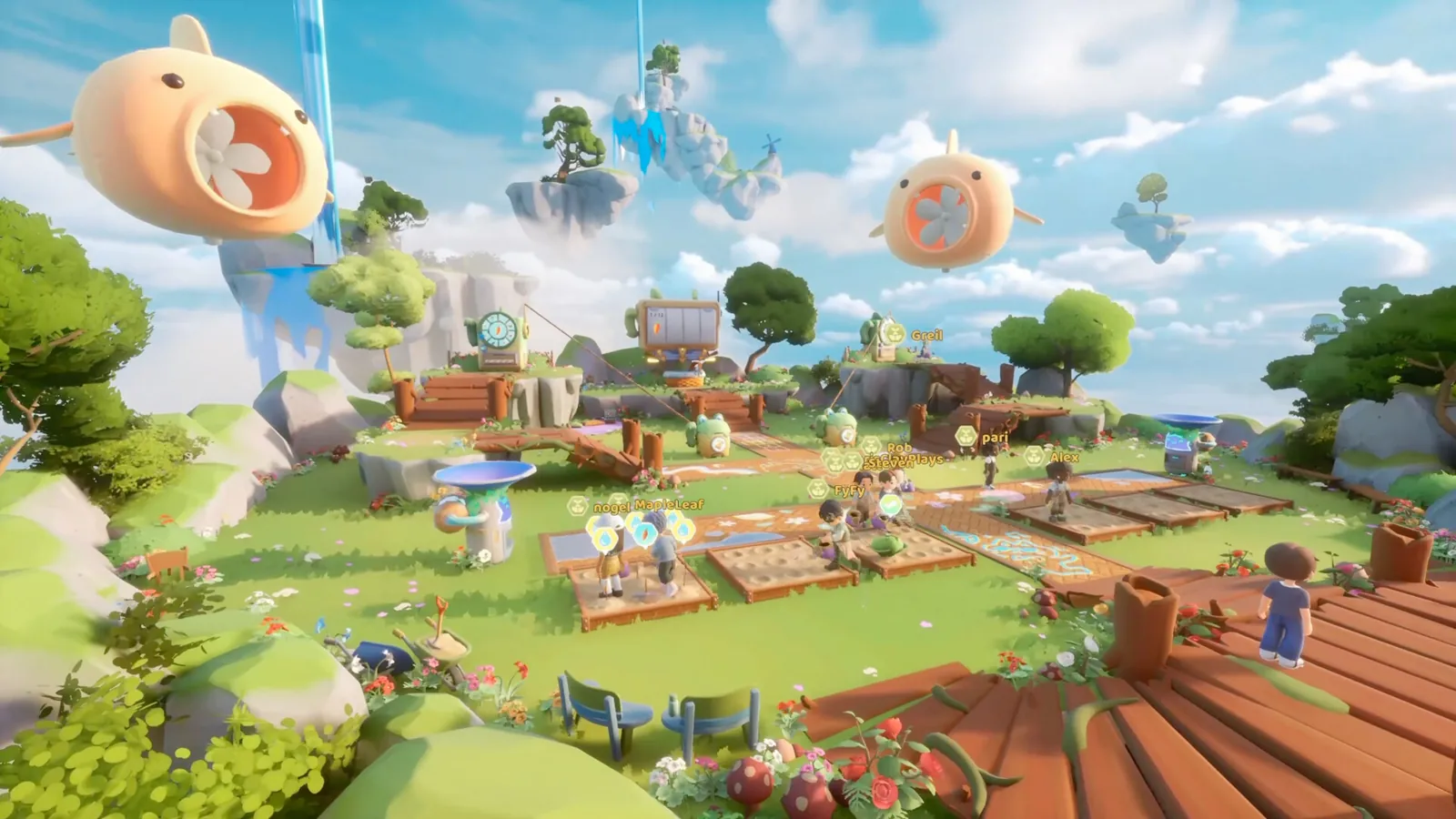
Loftia is available on Windows PC and Mac, and the developer also lists Steam Deck support. Mac support has an important limit: Steam requires Apple silicon and explicitly excludes Intel Macs. Check the hardware requirements before buying; the word “Mac” alone does not establish compatibility.
Check your Mac against the Steam requirements
Open your Mac’s system information and compare its chip, operating system and memory with the store listing. The following is the Steam specification checked on November 9, 2026, not a benchmark from our own machine.
| Mac requirement | Minimum | Recommended |
|---|---|---|
| Operating system | macOS 14.5 Sonoma or later | macOS 15 Sequoia or later |
| Processor | Apple M2 | Apple M2 Pro |
| Memory | 8 GB RAM | 16 GB RAM |
| Graphics | Integrated Apple M2 GPU | Integrated Apple M2 Pro GPU |
| Available storage | 10 GB | 10 GB |
| Network | Broadband internet | Broadband internet |
An Intel processor fails the store’s stated compatibility condition. An M1 is also below the listed M2 minimum; having Apple silicon is not by itself a claim that every Apple chip meets the specification. This guide does not recommend a compatibility workaround or promise that unlisted hardware will work.
MacBook Air and low-memory checks
Steam recommends active cooling for sustained performance. It specifically warns that MacBook Air models may need lower graphics settings and resolution, and advises closing other applications on an 8 GB system. These are developer recommendations, not a measured frame-rate preset.
If the game launches but slows down, record your chip, memory, macOS version and the settings you tried. If it will not launch at all, compare the operating system and processor first. Account recovery, server problems and unsupported hardware need different reports; reinstalling repeatedly does not resolve a missing hardware requirement.
Steam Deck and controllers
The current official FAQ lists Steam Deck and gamepad support, and Steam currently labels the game Full Controller Support. Older beta posts describing missing controller support refer to a different version and should not decide the current support status.
Developer support does not establish a specific Valve compatibility badge or guarantee a frame rate. We have not run a Steam Deck performance test, so this page provides no invented graphics preset, battery-life figure or Proton recommendation. Include your game version and the exact affected control when reporting an input problem.
Console plans and buying a copy
The FAQ lists Steam and the Epic Games Store for PC and Mac. Nintendo Switch is planned for 2027; that is not a release today. The FAQ does not confirm PS5, Xbox or mobile availability. Cross-play remains an aim under research and testing, rather than a confirmed promise covering future platforms.
Do not assume that buying one platform grants another copy: the FAQ says each platform requires its own purchase. Check the current store listing and supported system before paying. This fan site does not sell keys, grant access or link accounts.
Online play and your next step
Steam lists broadband internet in both Windows and Mac requirements. Loftia requires an online connection even for solo play. See multiplayer and server checks when arranging a session with friends, or demo progress and account linking if your old character seems missing. Once connected, our first-day route follows the opening progression.
Sources and version notes
Checked against the current developer FAQ and Steam requirements on November 9, 2026. Store requirements can change during Early Access. This is a source review, not hands-on hardware or native-language human testing.